
If you have trouble accessing NCPC Share Point pages or files please follow these tips.
You may see an error similar to this:
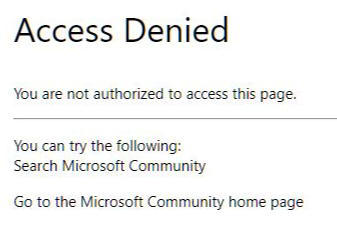
or
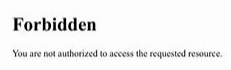
These errors are generated because the credentials last used in the browser do not have permission to the page or file you are trying to view.
Credentials
In the top right of your browser you can click on the circle image to see who you are logged in as. This may be your uploaded avatar image or your username initials.
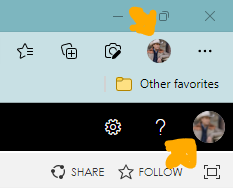
To veiw NCPC resources you need to be logged in as your @smartstart.org user.
Example: Employee Name = Shelley Lewis, Username = slewis@smartstart.org
Change Credentials
To change credentials right click the resource/file level circle icon (lower of the two).
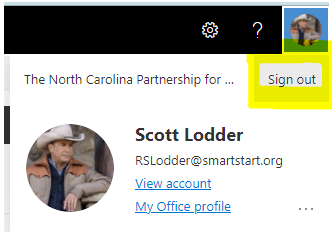
Click Sign Out
Try access the resource again. You will be prompted to log in with this screen
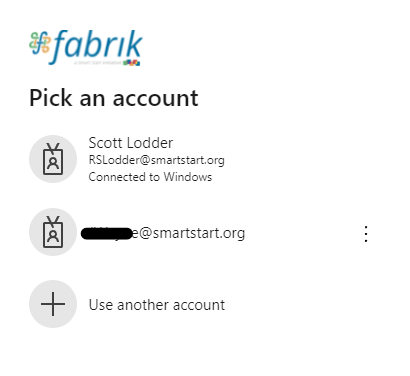
You will see your local account among other accounts you have used.
Select your @smartstart.org account on the list or select Use another account.
You will need to enter your associated password.
Share Point may as to verify your secondary connection information (email and/or cell phone). If it's correct click Next. This will get you access to the resource.
Comments
0 comments
Please sign in to leave a comment.