
- Go to https://office.com
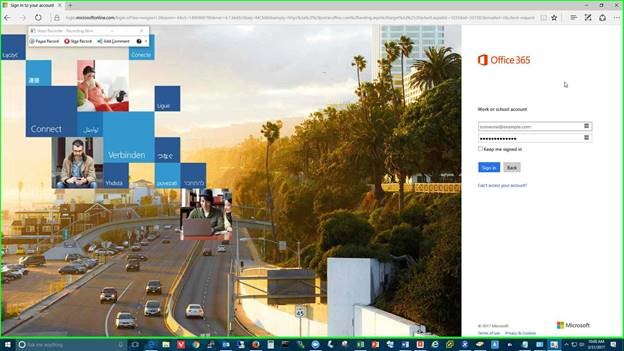
- Enter your username followed by @smartstart.org. (Example username@smartstart.org. The screen will change to a custom fabrik background.)
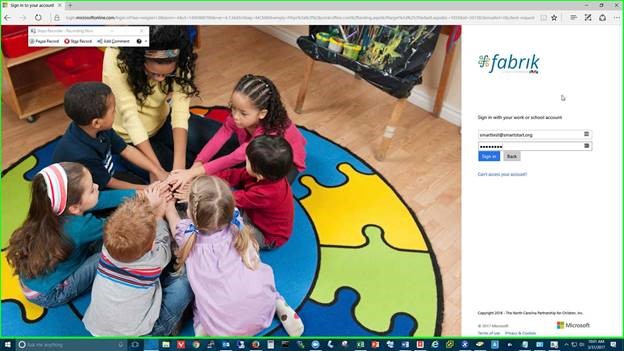
- Type your password and choose Sign in.
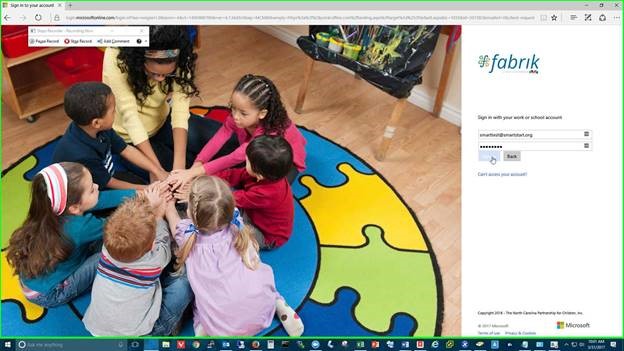
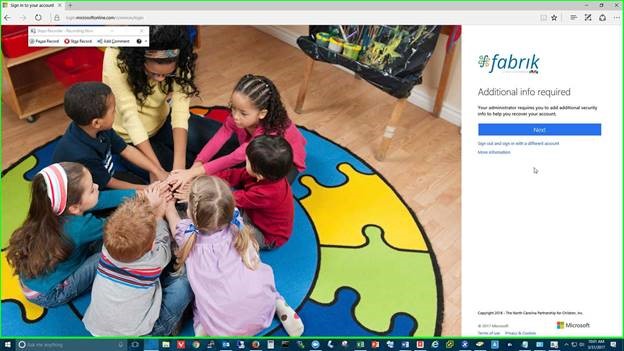
- You will be prompted for additional information. Click Next to continue.
- You will see a screen “don’t lose access to your account!”
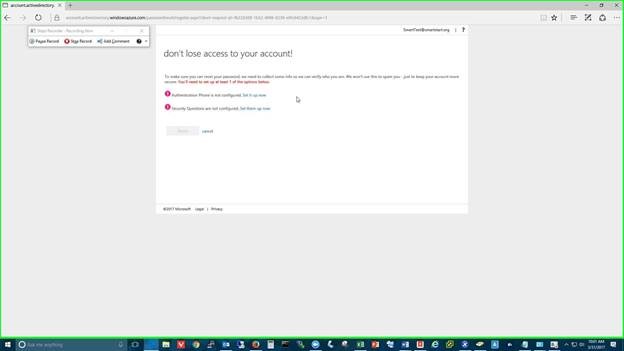
- Click “Set it up now” for both.
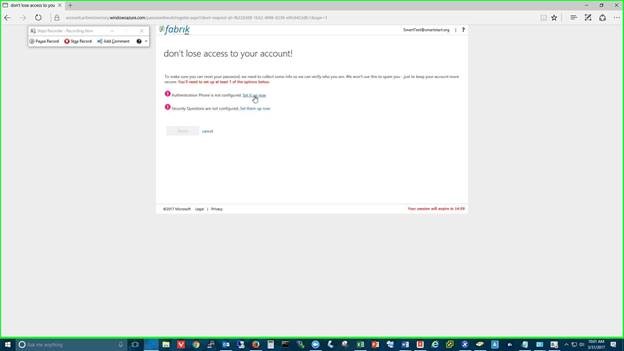
- For the Recovery Phone number, you can use your Cell Phone and choose “call me”, wait for a call and follow the instructions to verify your recovery number or Have a code Texted to you
- When completed please click Finish. You will then be redirected to Office 365 Portal where you will find LP Central. Please bookmark this page for future reference: https://ncsmartstart.sharepoint.com/lpcentral
Comments
0 comments
Article is closed for comments.